
Windows 10 support ended October 14, 2025. What that really means, who qualifies for extended security updates, and how GeekzUP upgrades both supported and unsupported PCs to Windows 11.
Microsoft officially ended support for Windows 10 on October 14, 2025. If you are still running it in 2026, your computer did not stop working, but it did stop receiving the security patches that protect your passwords, banking, and files from newly discovered attacks. Here is what that actually means and the realistic options, including for PCs that Microsoft says cannot run Windows 11.
What end of support actually means
- No more security updates: newly found Windows 10 vulnerabilities stay open on your machine
- No feature or quality updates and no Microsoft technical support
- Software slowly follows: over time, new versions of browsers and apps drop Windows 10
- Compliance risk for businesses handling customer data on unsupported systems
The machine keeps booting. The risk is invisible and grows month by month, because attackers reverse-engineer each new Windows 11 patch and check whether the same hole exists, permanently unpatched, in Windows 10.
The stopgap: Extended Security Updates
Microsoft offers a consumer Extended Security Updates (ESU) program that delivers critical security patches through October 13, 2026. Enrollment options include syncing your PC settings with a Microsoft account, redeeming Microsoft Rewards points, or a one-time paid enrollment. Understand what ESU is: security patches only, no features, no support, and it is a one-year bridge, not a destination.
ESU buys time, not a future
If your PC is on ESU, you have until October 2026 to make a real plan. The realistic paths are an upgrade to Windows 11 or a replacement machine, and the upgrade is cheaper than most people think.
Path 1: Upgrade a supported PC to Windows 11
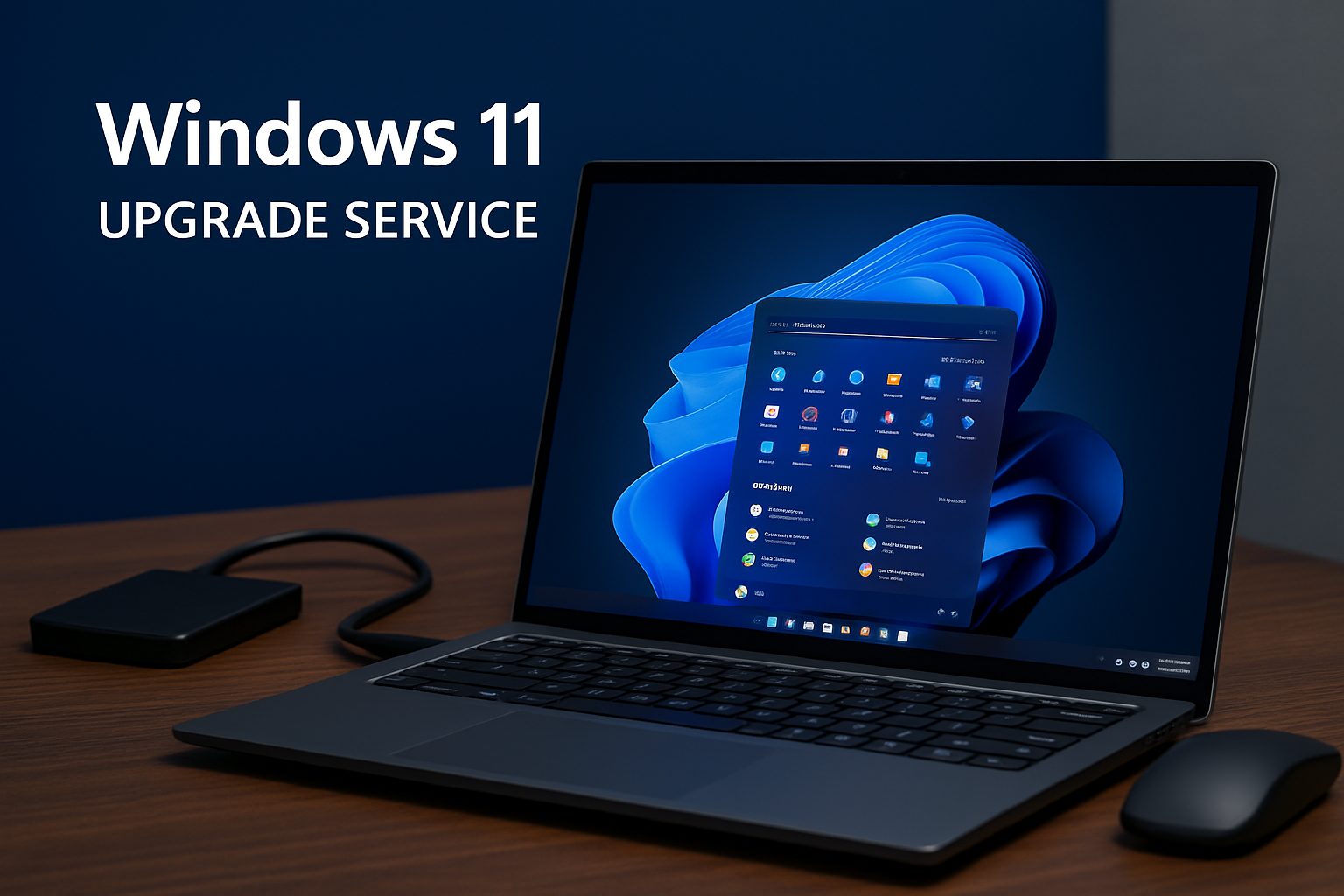
If your PC meets the Windows 11 requirements (8th-gen Intel or Ryzen 2000 and newer, TPM 2.0, Secure Boot), the upgrade is free from Microsoft. GeekzUP's managed upgrade makes it safe and painless: we back up everything first, install Windows 11 cleanly, update all drivers, configure security features, restore your files and settings exactly as they were, and verify activation and updates.
Path 2: The unsupported PC (this is our specialty)
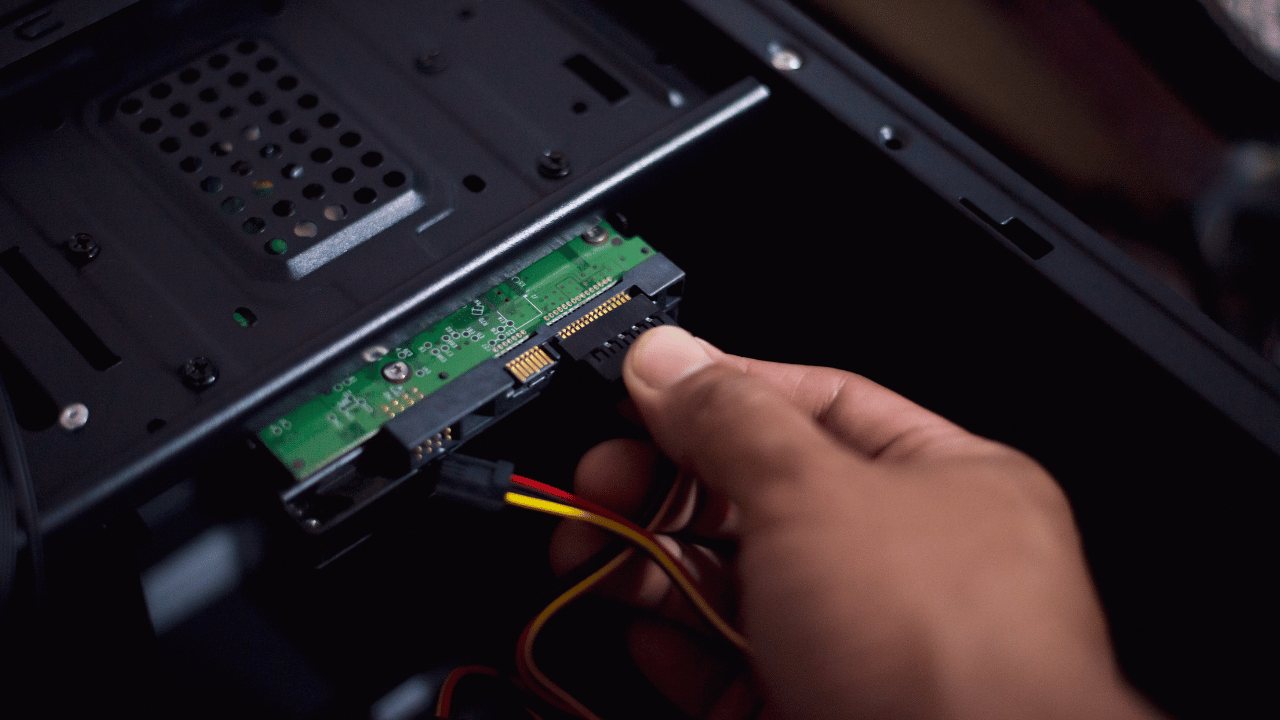
Millions of perfectly good computers fail Microsoft's official checks: no TPM or TPM 1.2 only, Intel 6th or 7th generation processors, legacy BIOS without Secure Boot, or brand-locked firmware restrictions. GeekzUP specializes in exactly these systems. Using verified, controlled professional procedures, we prepare the firmware and boot environment, apply secure bypass techniques, install Windows 11, and calibrate drivers for the older hardware, delivering a stable, updatable Windows 11 system on hardware Microsoft gave up on.
Every unsupported upgrade starts with a deep evaluation of the processor, motherboard firmware, memory, storage health, and graphics, so we only proceed on machines that will genuinely run Windows 11 well. If your hardware is truly too old to be worth it, we will say so and help you plan the replacement instead.
Path 3: Replace strategically
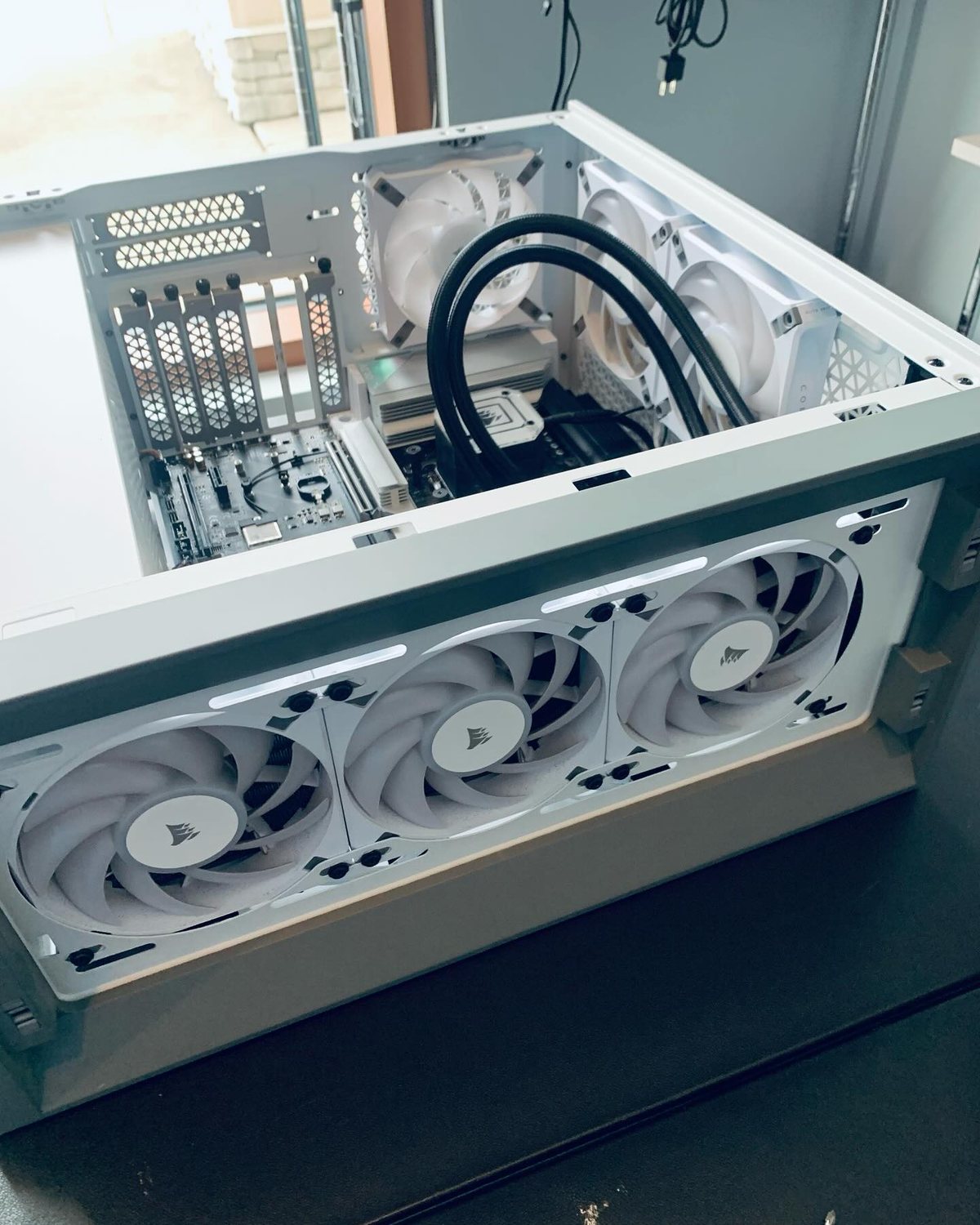
For very old machines, the honest answer is replacement, and it does not have to mean full price. We build custom PCs, sell refurbished business-class desktops and laptops, and can move all your data from the old machine to the new one so you never miss a file. Your old PC can often be traded in or recycled responsibly.
Do not forget the data
Whatever path you choose, the files come first. Every GeekzUP upgrade begins with a complete backup of documents, photos, videos, settings, and profiles, and ends with everything restored and verified. Moving to Windows 11 should never cost you a single photo.
Frequently asked questions
Is Windows 10 still safe to use in 2026?
It gets riskier every month. Without security updates, newly discovered vulnerabilities remain open permanently. If you must stay on it temporarily, enroll in Microsoft's ESU program, which covers critical patches through October 13, 2026, and plan your move now.
Can my old PC really run Windows 11 if Microsoft says it is unsupported?
In many cases, yes. GeekzUP professionally upgrades systems without TPM 2.0, with 6th and 7th generation Intel CPUs, and with legacy BIOS, using controlled, verified methods. We evaluate your hardware first and only proceed when the result will be stable.
Will I lose my files upgrading to Windows 11?
Not with a managed upgrade. We back up everything before any work, restore it all afterward, and verify the result. Your documents, photos, and settings come along.
Is the Windows 11 upgrade free?
Microsoft's license upgrade is free for eligible Windows 10 PCs. What GeekzUP charges for is the professional service: backup, clean installation, drivers, security setup, restoration, and testing, including the specialized work unsupported systems need.
What happens after October 2026 if I am on ESU?
Consumer ESU ends October 13, 2026, and Windows 10 is then fully unpatched. Use the ESU year to upgrade to Windows 11 or replace the machine on your schedule instead of in an emergency.
Make the move safely
GeekzUP Repairs has upgraded hundreds of Middle Tennessee PCs to Windows 11, supported and unsupported alike. Call or text 615-387-9454 or book online, and get off the unpatched list before it matters.
GeekzUP Team
Veteran-owned computer repair in Hendersonville, TN. Serving Nashville and Middle Tennessee since 2012.