

Slow computer driving you crazy? Here are the 12 fixes our Nashville bench uses every day, from startup cleanup to SSD upgrades, ranked by how much speed they really buy you.
A slow computer steals minutes from every hour you use it. The good news: slowness is one of the most fixable problems in computing, because it almost always has a specific cause. These are the twelve fixes we actually use on the bench at GeekzUP, roughly in the order we try them.
Quick wins (do these first)
1. Restart properly
Not shut-the-lid, an actual restart. Modern Windows fast-startup means many computers have not truly rebooted in weeks. A real restart clears leaked memory and hung processes and is the correct first step, not superstition.
2. Clean up startup programs
Every app that launches at boot steals memory forever after. In Windows, open Task Manager and review the Startup tab; on a Mac, check Login Items in System Settings. Disable everything you do not need instantly at power-on: updaters, assistants, launchers. This is the single most common cause of a slow boot.
3. Free up drive space
A nearly full system drive slows everything, because the OS needs free space to breathe. Aim to keep at least 15 to 20 percent free. Empty the recycle bin and downloads folder, remove programs you never use, and move big video files to an external drive.
4. Install pending updates
A machine mid-way through a stuck update can crawl for weeks. Let Windows Update or macOS Software Update finish completely, restart, and re-evaluate. Updated drivers, graphics especially, fix real performance bugs.
Real causes (when quick wins are not enough)
5. Check for malware
A computer that got slow suddenly, shows pop-ups, or runs its fan at idle may be working for someone else. Run a full scan with a reputable tool. If the infection fights back or keeps returning, professional removal keeps your files intact while cleaning the machine properly.
6. Look at the drive's health
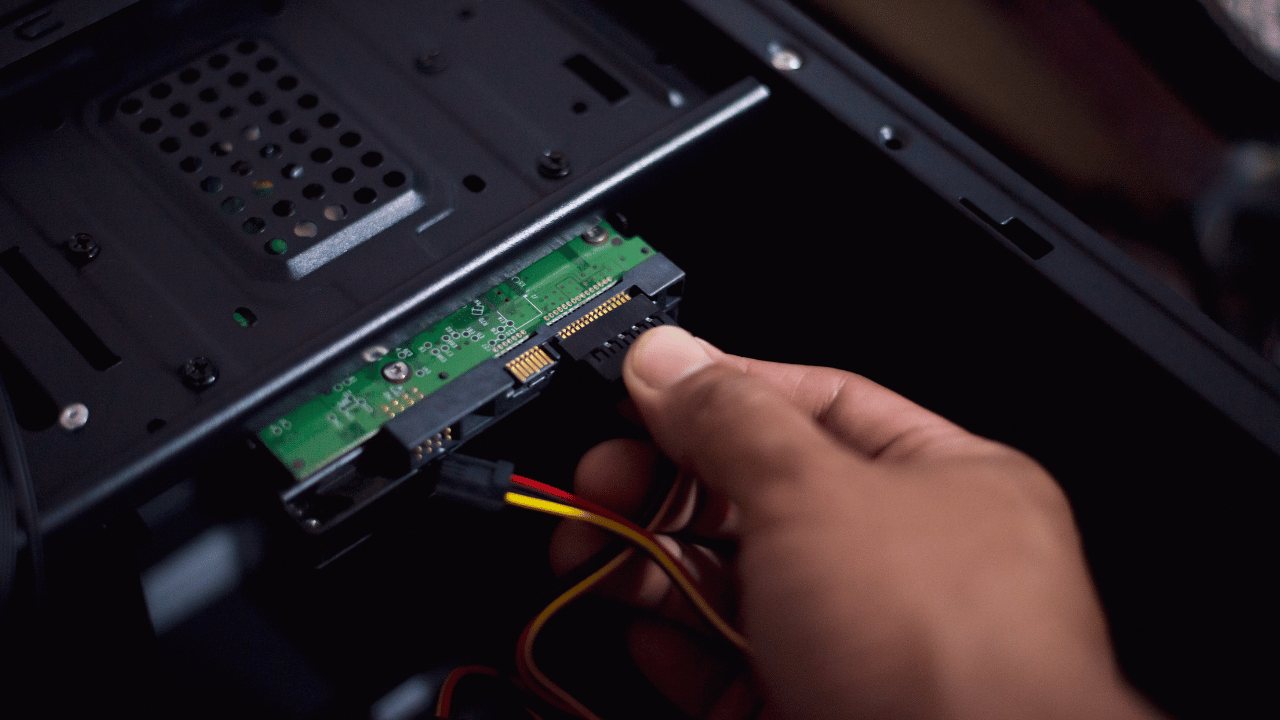
A failing hard drive gets slow before it gets dead: long pauses, freezing file windows, endless disk activity. If your slow computer also clicks, hangs on file operations, or takes minutes to boot, back up now and get the drive tested. Slowness is the warning; data loss is the destination.
7. Watch the temperatures
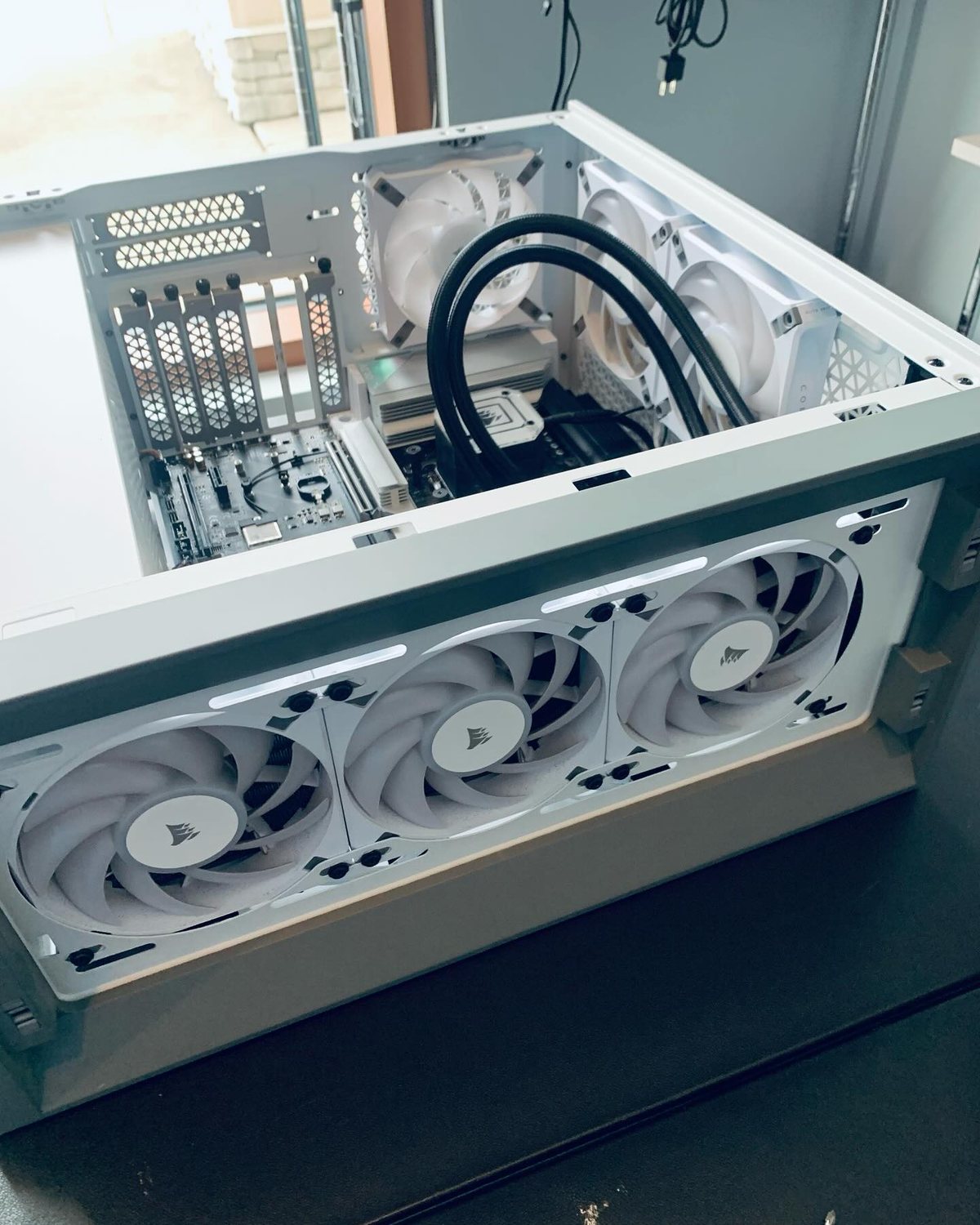
Computers protect themselves from heat by slowing down, called thermal throttling. Dust-clogged fans and dried thermal paste make laptops and gaming PCs run hot and therefore slow. If the fan screams while performance drops, a professional cleaning and fresh thermal paste often restores the speed you thought was gone.
8. Right-size your browser
Forty tabs, six extensions, and a video call is a workload. Prune extensions you do not use, close tab hoards (bookmark them instead), and if memory is tight, more RAM makes exactly this lifestyle comfortable.
Upgrades that transform (when hardware is the limit)
9. Move to an SSD
If your computer still boots from a spinning hard drive, this is the upgrade. Boot times fall from minutes to seconds and everything opens instantly. We clone your existing system onto the new drive, so nothing changes except the speed.
10. Add RAM
8GB is the floor for modern use; 16GB is the sweet spot. If Task Manager shows memory constantly above 85 percent, more RAM stops the freezes and the endless disk churn that comes from swapping.
11. Refresh the OS
Years of installs and leftovers add friction that no cleanup fully removes. A clean Windows or macOS installation, with your files preserved and drivers set up properly, gives a machine a genuine second life. It pairs perfectly with an SSD upgrade.
12. Know when it is the computer
A 12-year-old dual-core machine has a ceiling no tune-up can raise. The honest answer is sometimes that your money belongs in a replacement, and a good shop will tell you that instead of selling you a tune-up. We do.
The GeekzUP order of operations
Cleanup first, hardware honesty second, upgrades only where they pay for themselves. Our $80 diagnostic tells you which category your slow computer is in before you spend on any of them.
Frequently asked questions
Why is my computer so slow all of a sudden?
Sudden slowness usually has a specific trigger: a stuck update, new startup software, malware, an overheating fan, or a failing drive. It is the most diagnosable kind of slow; testing identifies the cause quickly.
Will an SSD really make my old laptop faster?
If it currently uses a spinning hard drive, dramatically yes. It is the single most effective upgrade for an older machine: boots in seconds, instant program launches, and a system that feels new.
How much RAM do I need in 2026?
16GB is the comfortable standard for everyday multitasking; 8GB works for light use; gamers and creators benefit from 32GB. We check what your machine supports before recommending anything.
Is it worth paying for a tune-up?
When it is the right fix, yes, and when it is not, a diagnostic will say so. Slowness caused by a failing drive or dying hardware cannot be tuned away, and finding that out early protects your data and your money.
Make it fast again
Bring your slow machine to GeekzUP Repairs in Hendersonville, or book online. Same-day service on most tune-ups, honest advice always, and if an upgrade is the smarter buy, your diagnostic applies toward it.
GeekzUP Team
Veteran-owned computer repair in Hendersonville, TN. Serving Nashville and Middle Tennessee since 2012.