

Laptop battery dying fast? We can fix it.
Battery draining in minutes, swelling, or only working plugged in? We replace laptop and MacBook batteries with quality cells and a warranty.

Laptop batteries are consumables, engineered for roughly 500 to 1,000 charge cycles, which means three to five years of honest daily work. Past that point runtime fades, shutdowns get random, and eventually the pack itself becomes a problem. Replacement is routine at our bench, with quality cells and same or next-day turnaround on most models.
The usual suspects
Different causes, very different fixes. This is what our bench finds most often.
Normal cycle wear
Every charge cycle spends a little of the battery's chemistry. Fading runtime after a few years is not a defect; it is the design.
Heat exposure
Heat is the battery's worst enemy. Hot laptops, blocked vents and soft-surface use age packs dramatically faster.
Living at the extremes
Being kept at 100 percent constantly, or drained flat repeatedly, both stress the chemistry harder than mid-range use.
Cheap chargers
Poorly regulated power stresses the battery and its charging circuit on every single charge.
Cell failure
One weak cell in the pack drags the rest down, causing sudden shutdowns at 30 percent and wildly wrong readings.
Swelling
Failing lithium cells can generate gas and bulge, pushing the trackpad and case apart. This is the failure mode that cannot wait.
Signs you might see
Five safe checks before you spend a dime
These steps fix a surprising share of cases and cannot make anything worse.
Read the system's own report
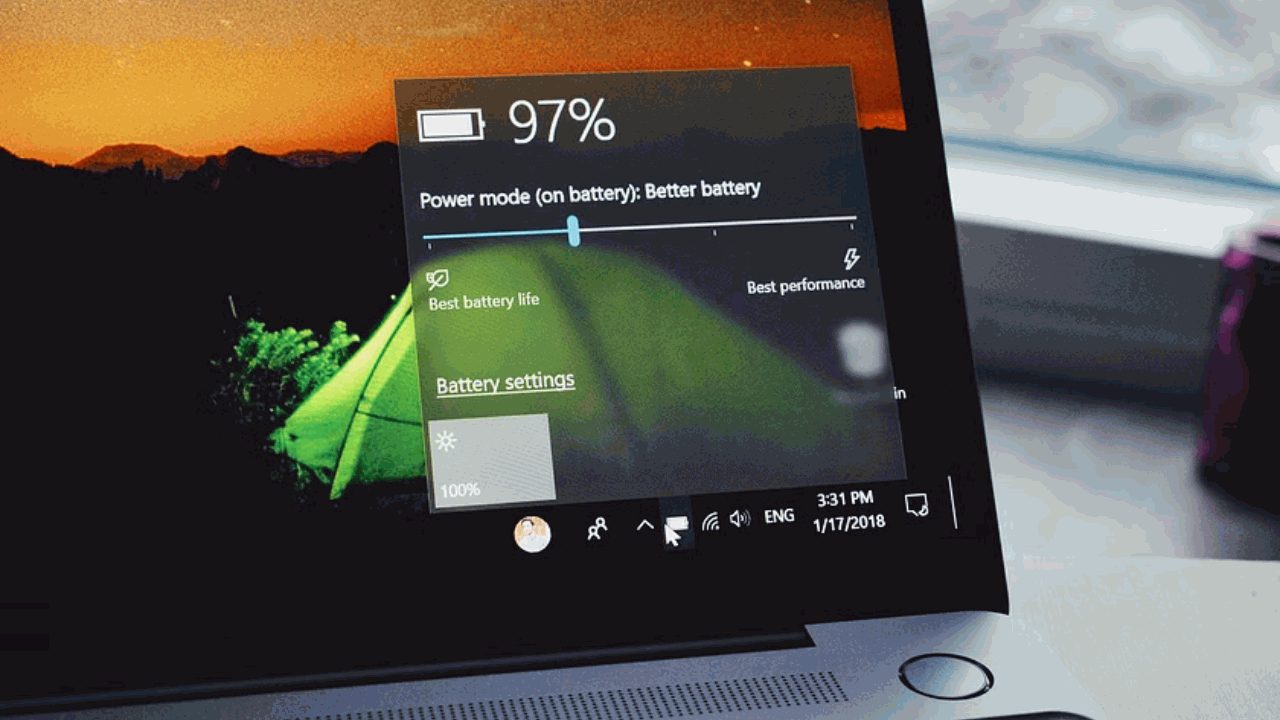
Windows can generate a battery report and macOS shows battery health in System Settings. Below roughly 80 percent of design capacity, you are living the decline.
Watch for the lying gauge
Dies at 30 percent, or jumps from 80 to 15? Failing cells cannot hold voltage, and the percentage math falls apart.
Test the plugged-in behavior
If it runs fine on the charger but dies instantly unplugged, the battery is effectively gone.
Rule out the charger
A weak or failing charger mimics battery symptoms. Borrow a known-good one if you can before blaming the pack.
Check for bulging
Trackpad clicking oddly, case not sitting flat, keyboard deck flexing upward: inspect now, because that is swelling.
When to stop
A swollen battery is a stop-everything problem. Do not press on it, do not keep charging it, and do not fly with it. Power down and bring it in promptly; punctured swollen cells can catch fire.
Steps didn't help?
Then it needs the bench. Bring it in, walk-ins welcome, and the diagnostic applies toward your repair.
Book a repairWhat happens on our bench
True capacity measurement
The battery's real behavior measured under load, not just read from a label, so replacement is a verdict, not a guess.
Quality replacement packs
Batteries matched to your exact model from quality sources, because counterfeit cells are a fire risk we refuse to install.
Sealed and glued models handled
MacBooks and slim ultrabooks with adhesive-mounted packs replaced safely, including the glue work.
Swollen pack safe handling
Bulging batteries removed and disposed of properly, with the trackpad and case checked for stress damage.
Charging system check
Charger and port verified alongside the new battery, so the thing that wore the old pack out does not repeat.
Calibration & testing
The new pack tested and the gauge verified before pickup.
What it costs
You approve every price before work begins, and your diagnostic fee applies toward the repair.
When replacement is worth it, in plain math
A battery replacement makes a three-to-five-year-old laptop feel young again for a fraction of replacement cost, especially paired with an SSD upgrade on older machines. The pack is usually the first major component to wear out, and swapping it buys years on hardware that is otherwise perfectly healthy.
The honest exception is a laptop with multiple failures stacking up: a worn battery plus a dying drive plus a cracked hinge changes the math. That is what the $80 diagnostic sorts out, and it applies toward whatever you decide, including our advice to spend the money on a newer machine when that is genuinely the smarter call.
Why we will not install bargain batteries
The internet is full of suspiciously cheap replacement packs, and our bench regularly sees what they do: capacities far below the label, gauges that never read right, packs that swell within months, and in the worst cases genuine fire risk. Lithium batteries are the one component where quality is a safety feature, not a luxury.
We install quality cells matched to your model, handle old and swollen packs safely, and back the work with our parts and labor warranty. Your laptop lives on your desk and your lap; the battery inside it should be boring.
Services that solve this
Frequently asked
In most cases, yes. We start with a diagnosis to find the real cause, then give you a clear price and timeline before any work begins.
Laptop battery dying fast? Let's fix it.
Tell us what's going on and pick a time. No charge to reserve, and your diagnostic applies toward the repair.
Tell us about your device
The more detail, the faster we diagnose.