

Laptop or PC overheating? We can fix it.
Hot, loud, shutting down or throttling under load? We clean, repaste and re-tune cooling so your laptop or gaming rig stays cool and fast.
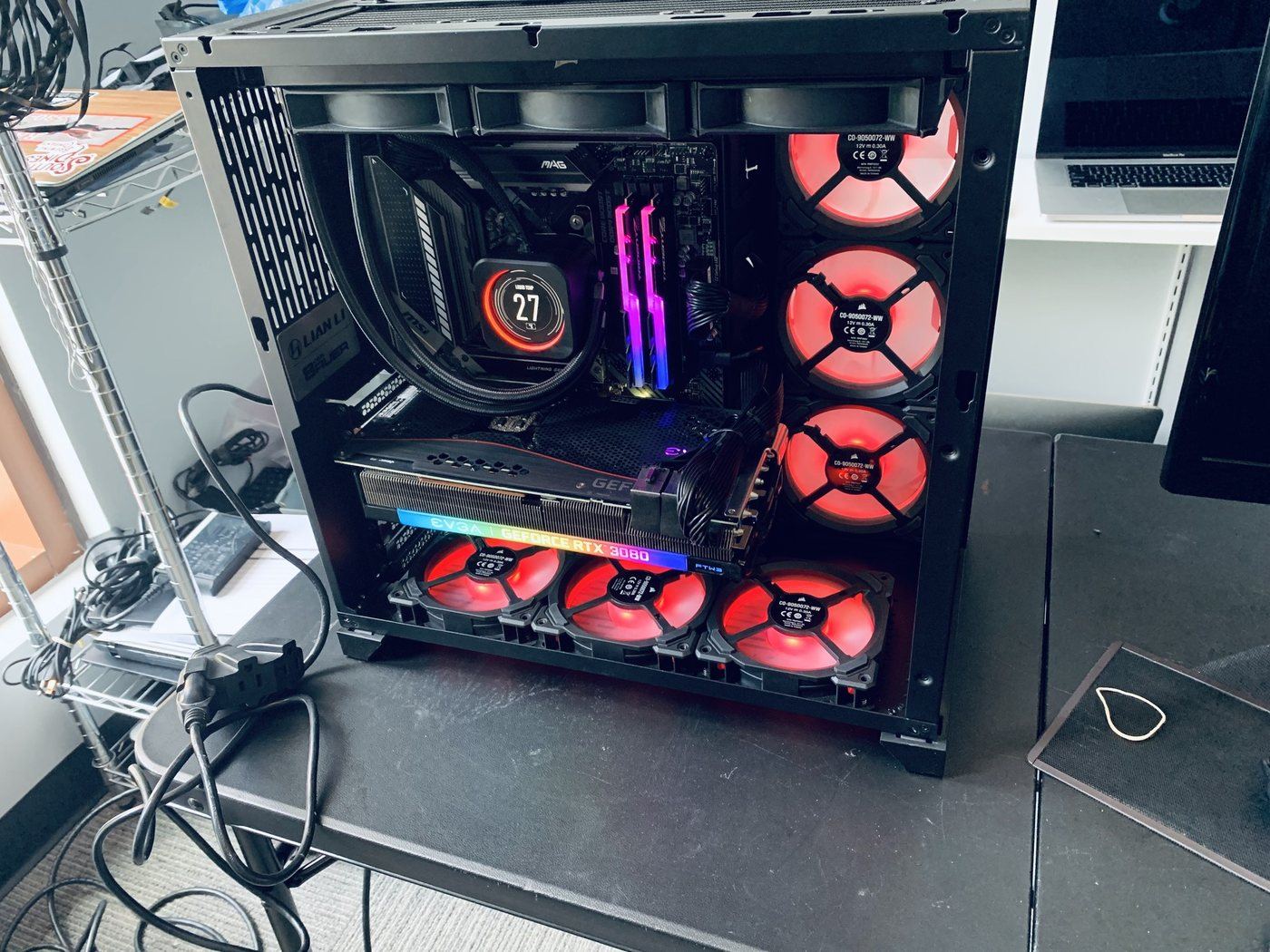
Heat is the quiet killer of computers: before anything burns out, overheating steals performance, crashes games, ages the battery and shortens the life of every component. Nearly every hot machine we see has one of a handful of fixable causes, and the fix usually restores speed the owner thought was gone for good.
The usual suspects
Different causes, very different fixes. This is what our bench finds most often.
Dust-packed cooling
The big one. Fans pull air, air carries dust, and dust packs heatsink fins like felt until the cooling system suffocates.
Dried thermal paste
The paste carrying heat from the processor to its cooler dries out after three to five years, spiking temperatures the moment load hits.
Blocked airflow
Laptops on beds and couches suffocate their bottom intakes; desktops shoved into sealed cabinets recycle their own hot exhaust.
Failing fans
Worn bearings rattle, buzz, or quietly stop moving the air the design depends on.
Software pinning the CPU
Runaway processes and crypto-mining malware hold the processor at full load, cooking a machine that is supposedly idle.
Hard-driven gaming hardware
Gaming rigs and laptops run hot by nature; without maintenance their thermal headroom disappears first.
Signs you might see
Five safe checks before you spend a dime
These steps fix a surprising share of cases and cannot make anything worse.
Move it to a hard surface
Laptops breathe from the bottom. A desk instead of a duvet is an instant, free improvement.
Clear the vents
Look at the intake and exhaust vents; visible dust mats mean the inside is worse. Give desktops room behind the case.
Check what is running
Fans roaring at idle deserve a Task Manager look. A mystery process at 100 percent CPU is heat with a software cause.
Listen to the fans
Rattling or buzzing means a fan on its way out; total silence under load can mean one already gone.
Mind the room
Direct sun and summer rooms push borderline cooling over the edge. If it only overheats in the afternoon, that is a clue worth mentioning.
When to stop
Skip the compressed-air blast into a laptop: spinning fans beyond their rated speed can damage them, and dust often just relocates deeper. If the machine is shutting itself off from heat, stop pushing it; repeated thermal shutdowns are how components get permanently hurt.
Steps didn't help?
Then it needs the bench. Bring it in, walk-ins welcome, and the diagnostic applies toward your repair.
Book a repairWhat happens on our bench
Thermal diagnosis under load
Temperatures logged during real stress tests, so we see exactly when and where the cooling gives up.
Complete deep clean
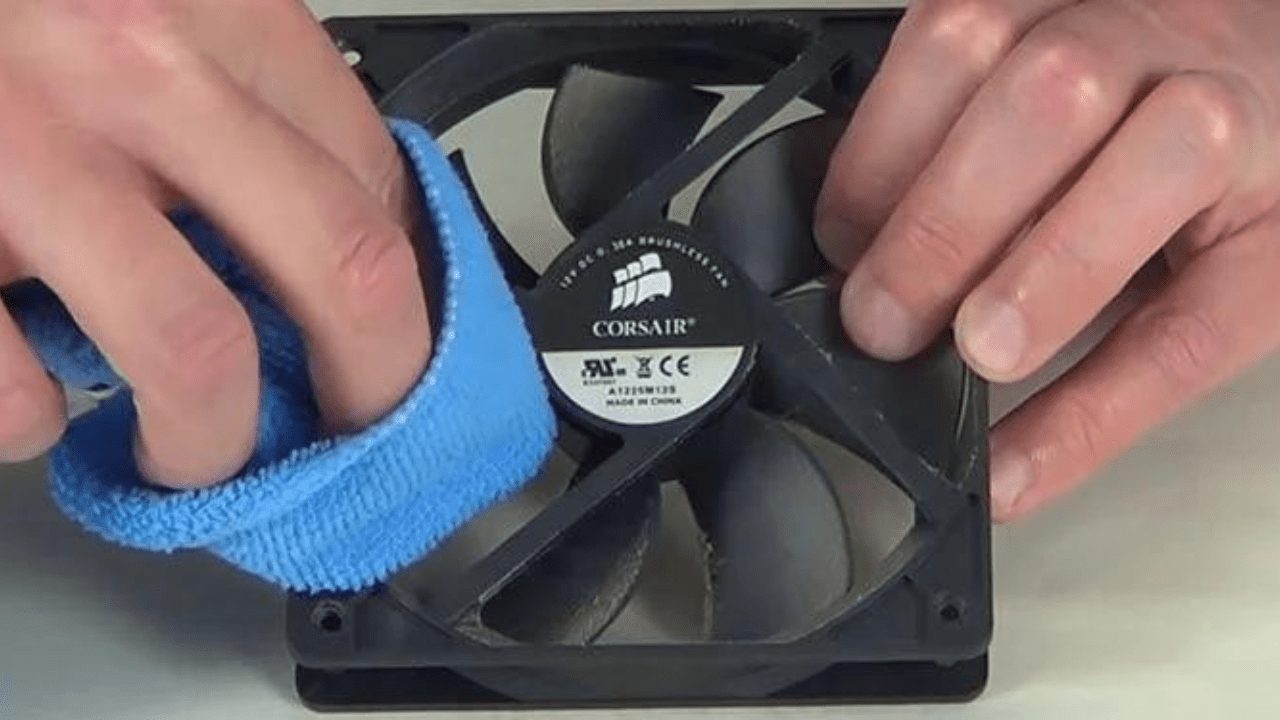
The machine opened up, fans and heatsink fins properly cleared, not a quick blast through the vents.
Fresh quality thermal paste
Old paste replaced with quality compound on CPU and GPU, the transformative fix for older machines.
Fan replacement
Worn and failed fans replaced with correct parts, restoring the airflow the design expects.
Malware & software checks
If software is pinning the CPU, we find and remove it rather than just cooling a symptom.
Before-and-after proof
Temperature and performance numbers from the same stress test, so you can see what the service bought.
What it costs
You approve every price before work begins, and your diagnostic fee applies toward the repair.
Thermal throttling: the performance thief
Modern computers protect themselves from heat by slowing down, called thermal throttling. It is why a hot machine stutters in games, hangs during video calls and feels slower every summer: the hardware is fine, it is just running with the brakes on. The owner buys a new computer; the old one only needed its cooling back.
Our thermal service exists for exactly that machine. Deep cleaning, fresh paste and healthy fans routinely drop temperatures dramatically and return the performance that throttling was hiding, verified with before-and-after numbers from the same stress test.
Heat costs more than speed
Sustained high temperatures age everything: batteries wear faster, fans work harder, drives and boards live shorter lives. Overheating is the rare computer problem that gets more expensive purely by being ignored, because the damage compounds quietly while the machine still technically works.
The economics favor acting early. A thermal service today costs a fraction of the board, battery or GPU that chronic heat eventually takes. If your fans have gotten louder over months or the case runs hot at idle, that is the machine asking for exactly this service.
Services that solve this
Frequently asked
In most cases, yes. We start with a diagnosis to find the real cause, then give you a clear price and timeline before any work begins.
Laptop or PC overheating? Let's fix it.
Tell us what's going on and pick a time. No charge to reserve, and your diagnostic applies toward the repair.
Tell us about your device
The more detail, the faster we diagnose.