

Laptop won't charge? We can fix it.
Plugged in but not charging, or a loose, wobbly charging port? We repair charging jacks, test batteries and get you powered up again.
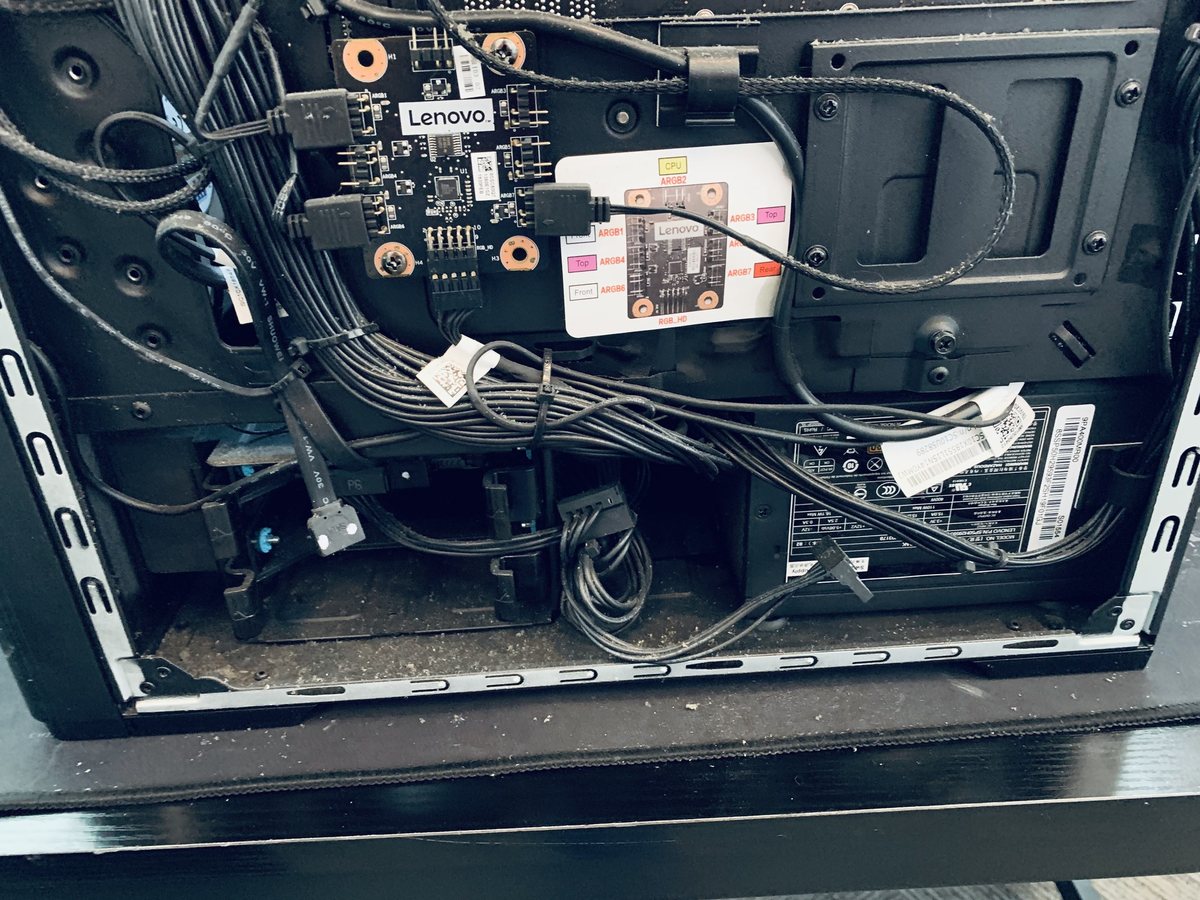
A laptop that will not charge has exactly three suspects: the charger, the charging port, or the battery, with the occasional charging-circuit fault behind them. The good news is that all of them are routine bench repairs, and the diagnostic tells you which one you are actually buying.
The usual suspects
Different causes, very different fixes. This is what our bench finds most often.
Failed charger or cable
Chargers fray, weaken and die, and cheap replacements die faster. The most common and cheapest cause on the list.
Damaged charging port
Years of plugging, unplugging and sideways tugs loosen the jack or crack its solder joints. The wiggle-to-charge symptom lives here.
Worn-out battery
Batteries are consumables. A pack at the end of its life may refuse to charge, stick at a fixed percentage, or die instantly when unplugged.
Charging circuit fault
The board electronics that manage charging can fail, letting the laptop run on the charger while never filling the battery.
Software and firmware quirks
Battery drivers and power firmware occasionally wedge, showing plugged-in-not-charging on perfectly healthy hardware.
Swollen battery
A failing pack that bulges can disconnect itself and starts pushing the trackpad or case apart. This one is a safety issue, not just a charging issue.
Signs you might see
Five safe checks before you spend a dime
These steps fix a surprising share of cases and cannot make anything worse.
Check the charging light
Plug in and look for the small LED. No light points at the charger or port; a light with no charging points at the battery or circuit.
Try another outlet, skip the strip
Plug the charger straight into a wall outlet you know works. Power strips fail silently more often than people expect.
Inspect the charger and tip
Look for fraying, kinks, and a loose or bent tip. Borrow a known-good compatible charger if you can; it is the fastest test there is.
Look inside the port
With a flashlight, check for lint or debris packed into the port, especially USB-C. A gentle clean with a wooden toothpick sometimes ends the mystery.
Do a power reset
Unplug everything, hold the power button 30 seconds, reconnect the charger and try again. Firmware charging quirks often clear this way.
When to stop
If the trackpad is bulging, the case will not sit flat, or the battery area is hot, stop charging immediately and bring it in. A swollen battery is a safety issue, and pressing on it or continuing to charge makes it worse.
Steps didn't help?
Then it needs the bench. Bring it in, walk-ins welcome, and the diagnostic applies toward your repair.
Book a repairWhat happens on our bench
Load-testing the charger
Real output testing under load, catching the weak chargers that light an LED but cannot actually charge.
Port inspection & repair
Loose, worn and broken DC jacks and USB-C ports repaired or replaced, including board-level solder work.
Battery health verification
True capacity and behavior measured, not just read from the label, with quality replacement packs when the battery is done.
Charging circuit diagnosis
When charger, port and battery all pass, we trace the board's charging path instead of shrugging.
Safe swollen-battery handling
Bulging packs removed and replaced safely, with the case and trackpad checked for stress damage.
Genuine-quality parts
Chargers and batteries from quality sources, because counterfeit power parts are how laptops get hurt.
What it costs
You approve every price before work begins, and your diagnostic fee applies toward the repair.
Plugged in, not charging: reading the symptom
The way a laptop fails to charge narrows the suspect list fast. Dead with no charging light usually means the charger or the port. Charges only when the cable sits at one magic angle means the port. Runs on the charger but the percentage never climbs means the battery or the charging circuit. Dies the instant you unplug means the battery is finished even if it claims a healthy percentage.
Our bench turns those hints into a verdict with load testing and measurement, so the $80 diagnostic buys you the actual fault instead of a parts-cannon guess. Most charging repairs are finished the same or next day at our Hendersonville shop.
A word about cheap chargers
A surprising share of charging problems walk in holding the cause: a bargain replacement charger. Low-quality adapters skip the regulation and safety circuitry that protect the laptop, stressing the battery and charging circuit until something gives. The savings are small; the repairs they cause are not.
If your charger died, replace it with a genuine or properly certified unit, and if a cheap one has been in use, mention it at drop-off; it changes what we test first. We stock and source quality chargers for the brands we service.
Services that solve this
Frequently asked
In most cases, yes. We start with a diagnosis to find the real cause, then give you a clear price and timeline before any work begins.
Laptop won't charge? Let's fix it.
Tell us what's going on and pick a time. No charge to reserve, and your diagnostic applies toward the repair.
Tell us about your device
The more detail, the faster we diagnose.